
Practical guide
Troubleshooting
Recover from common model, service, import, and reply problems without exposing private content.
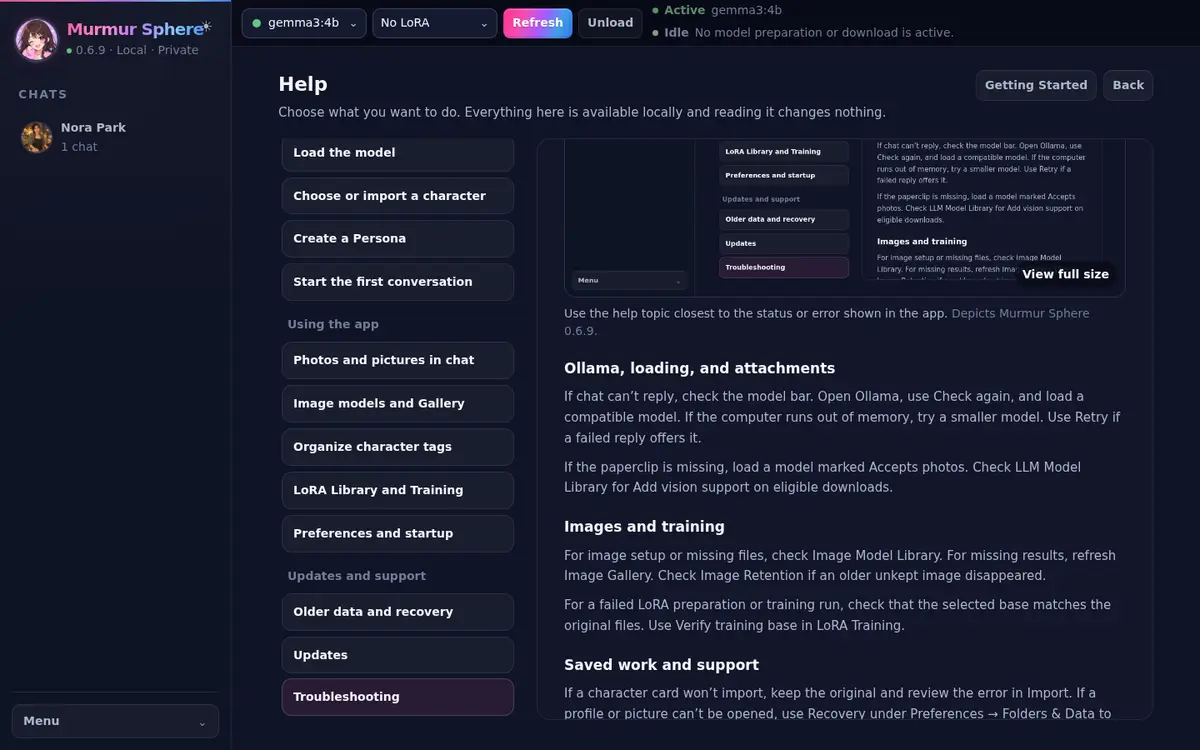
Steps
Follow in order.
- 1
Keep Ollama open, check the exact model, and read the local readiness message.
- 2
Retry or reload only the affected model; use Unload if an earlier operation failed.
- 3
Preserve the smallest repeatable steps and avoid changing unrelated local data.
- 4
If needed, open Report a bug, review the exact preview, copy it, then choose whether to email after delivery is verified.
More help