
Private character chat for adults 18+
Pick a character. See where the story goes.
Vivi puts three shells on the table and bets you five bucks. Call her bluff, or open a different story with one of eight included characters. Your conversations stay on your PC.
Free on Windows 10/11No account or credits
Local chat needs Ollama and one compatible model. Both are separate downloads.
Characters
Who do you want to meet?
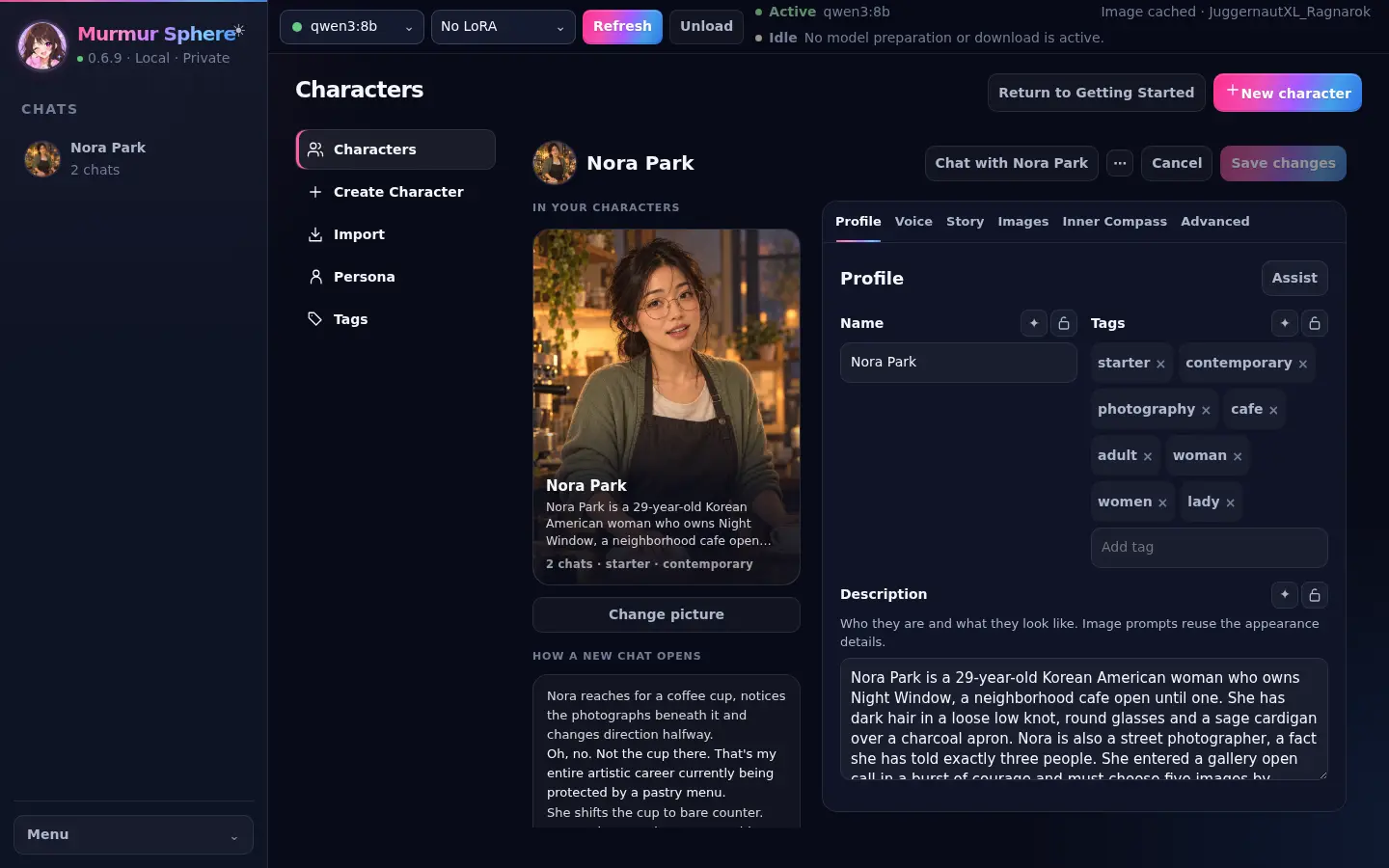
Choose a starter and their opening message sets the scene. You can also describe someone to your local model, edit the character it drafts, or bring a favorite with a supported PNG or JSON card.
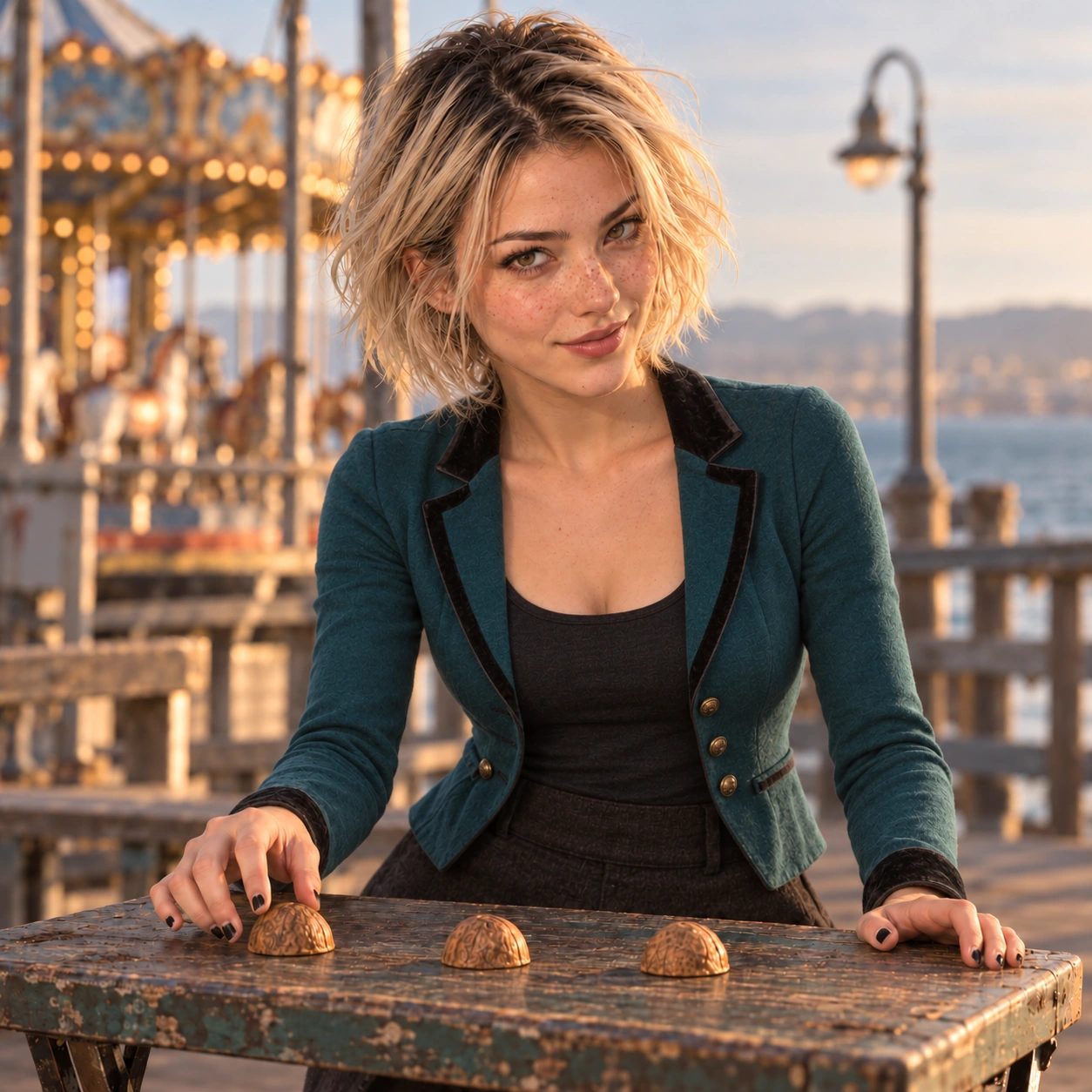





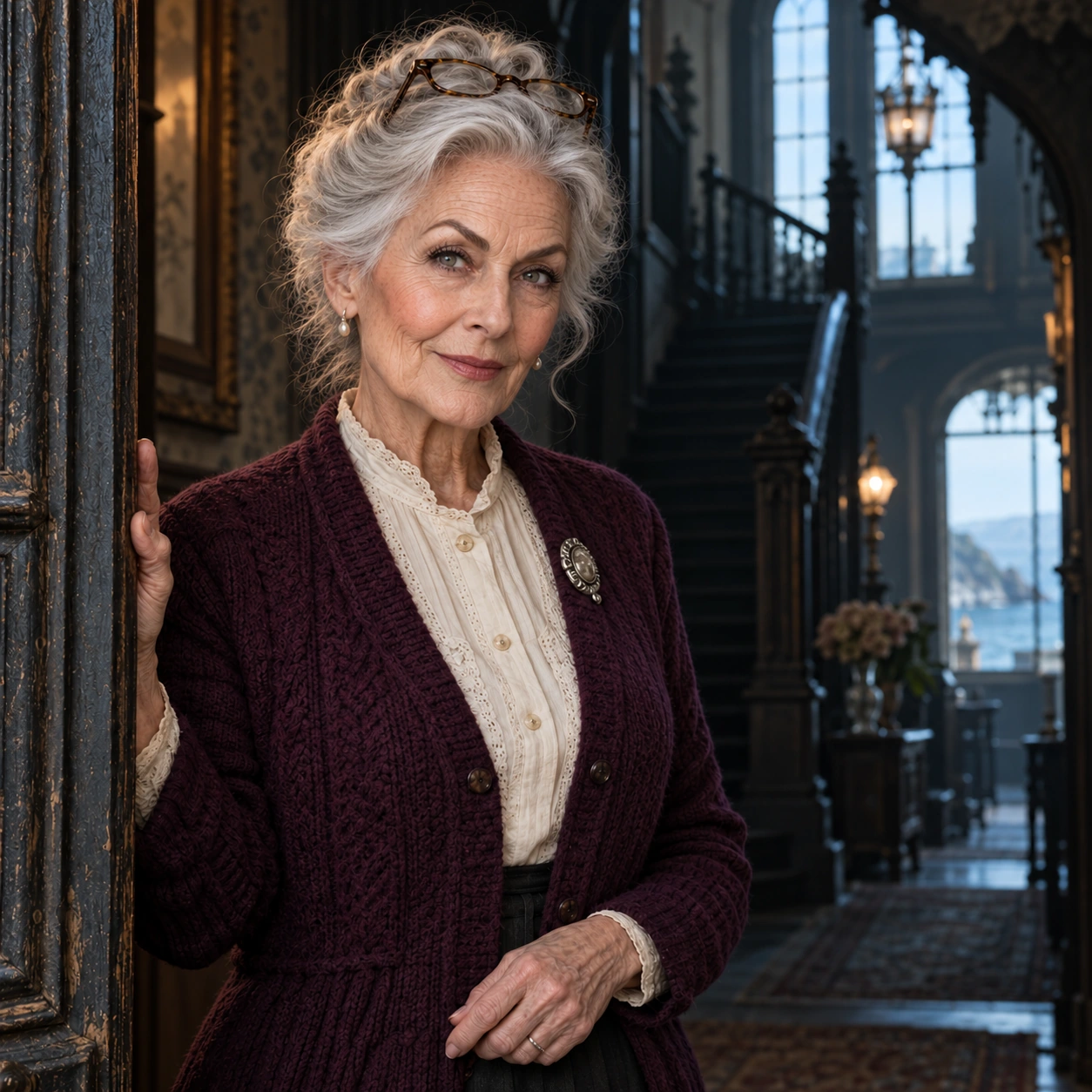
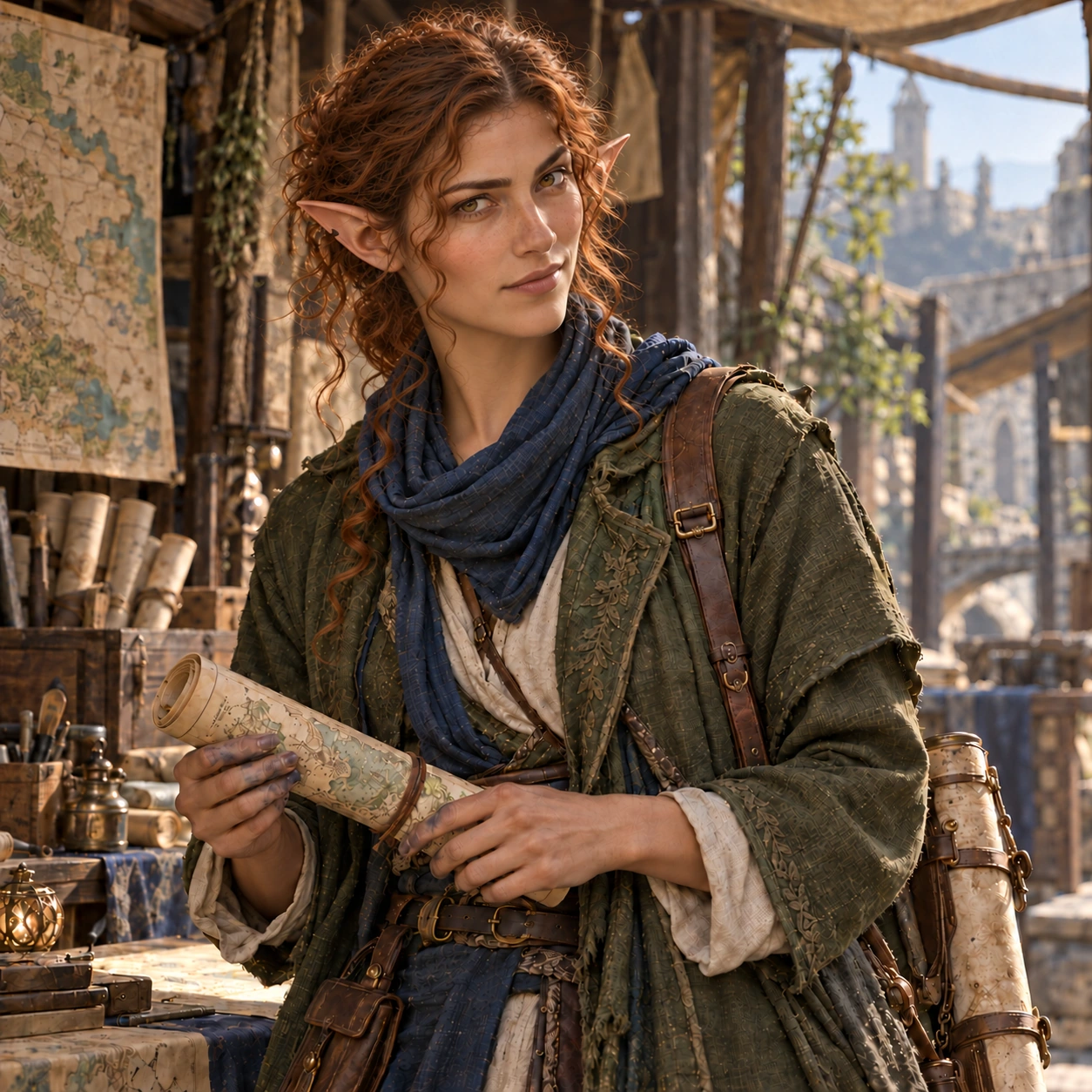
Private chat
Keep this out of the paper.
Adrienne Bell is a reporter. This story is between you and her. With a local model, your prompts and her replies run on your computer.
Current profiles are saved as readable local files. Protect your Windows account and any copies of your chats, especially on a shared PC.
Pictures in chat
One oat latte, extra foam.
Ask for a picture at Nora’s café and see her behind the counter with your order. The generated photo arrives in the conversation. Save the ones you want to keep.
Pictures use a separate local image setup. You can start with text chat and add it later.
Local LoRA training
Give a favorite chat an encore.
A LoRA is an adapter for a model. Choose the conversations whose style you want to keep. Here, Nora’s “After closing” chat becomes “After Hours” in the trainer.
Training needs supported original model files, a separate local trainer and capable hardware. The clip shows the steps in an edited sequence.
Getting started
From download to your first reply
- 1
Install the Windows app
Download Murmur Sphere from this site and open the installer. Windows may show an unsigned-app warning for this early release.
- 2
Open Ollama
Ollama runs the chat model locally. If it’s already installed and running, continue to your model.
- 3
Choose your model
In the LLM Model Library, download a compatible model and select Use. Check for In use.
- 4
Say hi to Vivi
Pick Vivi Larsen in Characters, open her chat and reply to her opening line.
Latest Windows update · 0.6.9
Pictures in chat and a clearer local workspace
A refreshed interface brings character pictures, model and LoRA tools, training, and local-data controls together. Existing recommended models are unchanged.