
Practical guide
Start your first chat
Set up Murmur Sphere, find where your local data lives, and begin your first private conversation.
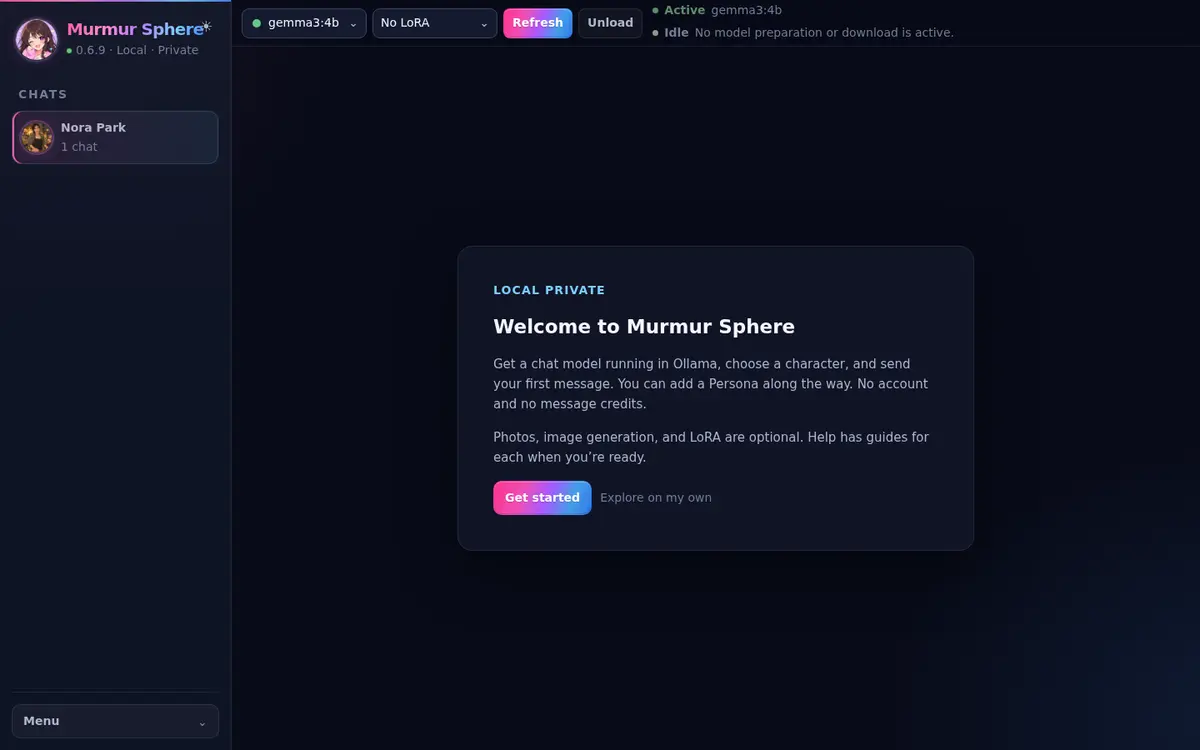
Steps
Follow in order.
- 1
Open Murmur Sphere and finish the local profile setup. In Help → Install the local model app, choose Get Ollama for Windows. Already have Ollama? Open it and select Check again.
- 2
Open Settings → LLM Model Library → Add model. Under Download, pick Stheno 8B v3.2 MPOA, choose Q4_K_M (about 4.9 GB) if it fits your PC, and select Download. If you already have a compatible model in the library, skip this download.
- 3
When the model shows Added, close the download panel. Select Use on its library row and wait for In use. If you use the top model bar instead, choose your installed model and select Load.
- 4
Open Characters and choose Vivi Larsen from the included cast. Read her opening line, type your answer and choose Send. A Persona is optional.
Keep going
Related guides
More help